 Lagotto
Tailor your CV to each role, and keep it ATS friendly
Lagotto builds each tailored CV from your own saved roles and bullets, shows the gaps against the job description, and exports a layout designed for applicant tracking systems.
Start from your own CV
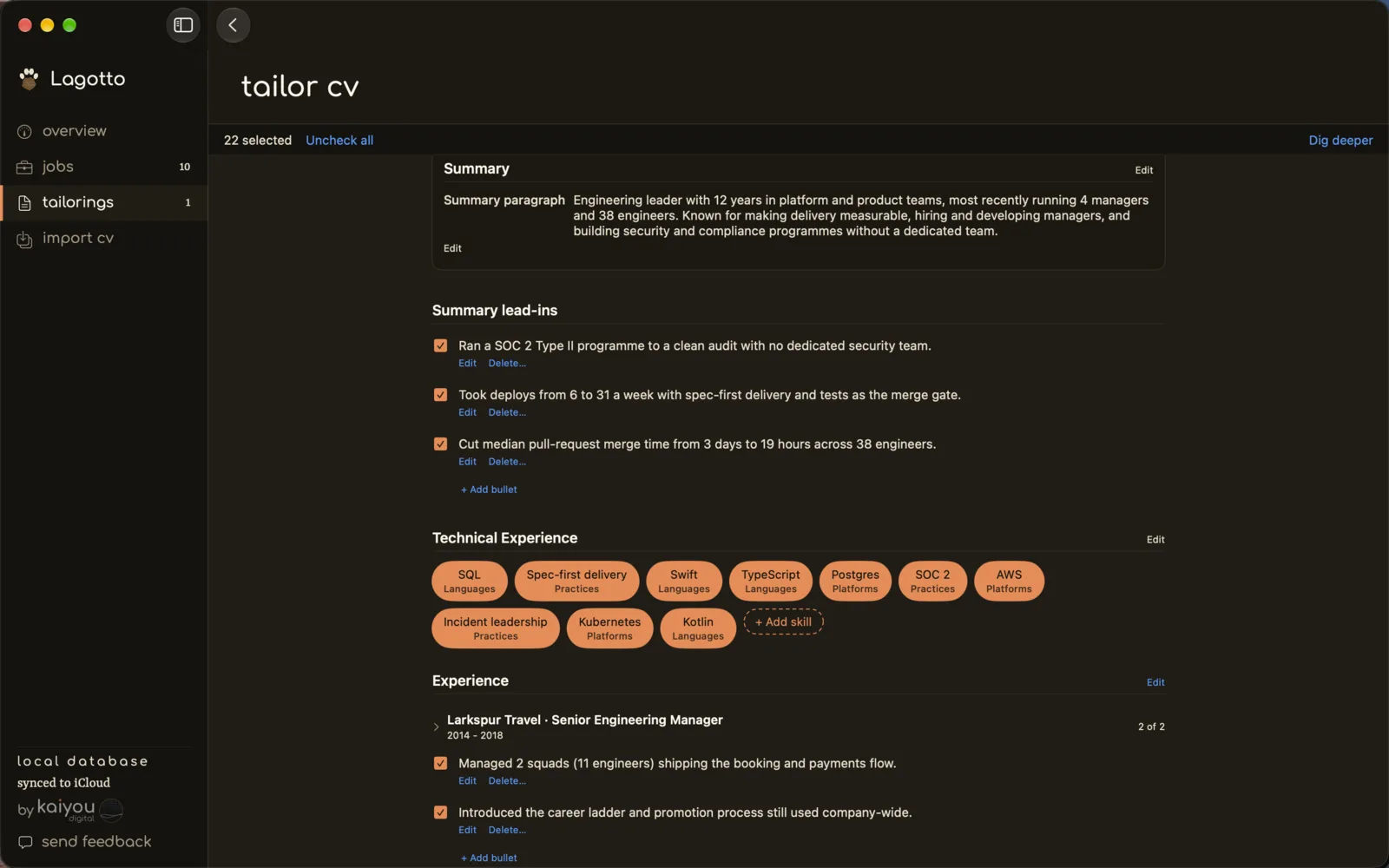
Save your roles and bullets once. For each job, a tailoring picks which bullets to include and how the summary reads, so every line comes from your own record and your own edits. Save one tailoring as your Default CV and new ones start from it.
See the gaps before you apply
Lagotto reviews your CV against the job description and lists what is missing. You get an ATS keyword fit and a human-fit read, measured against your own target titles, salary floor and work-mode rules, not a generic score.
Two layouts, two formats
Use the ATS layout for application forms and the designed layout when a person will read it. Export either as PDF or DOCX.
What Lagotto never does
- Promise that a CV will pass an employer's applicant tracking system. Each system differs.
- Create an account for you, or keep your CV on a Lagotto server. There is no Lagotto account.
- Send your CV to an AI unless you run a feature that needs one.
- Send your CV to an employer on your behalf.
Questions
Will it get past an ATS?
No tool can promise that. The ATS layout is designed for applicant tracking systems, and Lagotto scores the keyword fit so you can see how close a CV is. Every employer's system behaves differently.
Does the AI write my CV?
You choose which of your saved roles and bullets go in. The AI reviews the result against the job description, and you decide what to change.
Can I export a DOCX?
Yes. Export a tailored CV as PDF or DOCX, in the ATS layout or the designed layout.
Where is my CV stored?
On your devices and in your iCloud. It goes to your chosen AI only when you run a feature.